
Paycor Review 2026: Is It Worth It?
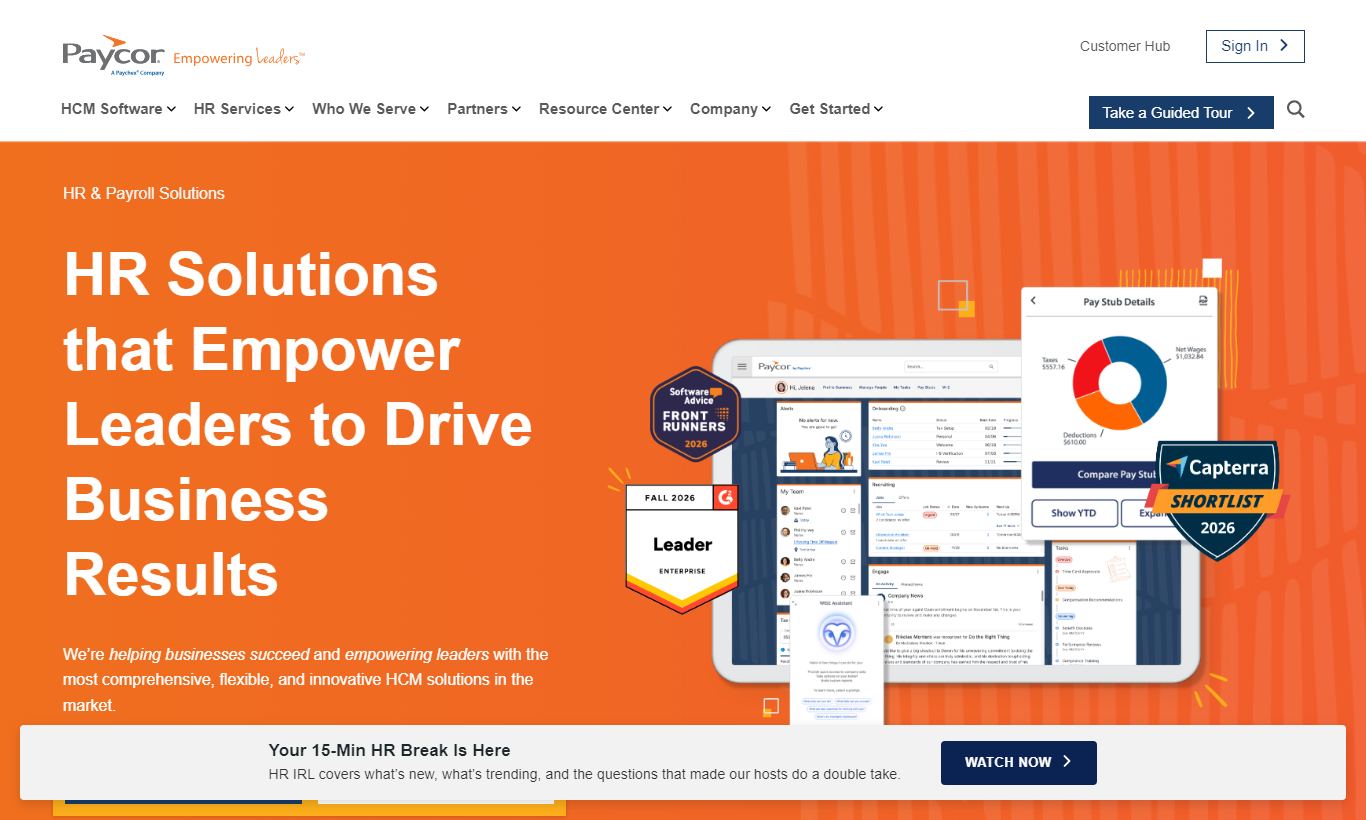
Paycor is a cloud-based HR and payroll platform built for small to mid-sized businesses (10-1,000 employees) that need more than basic payroll processing. It bundles payroll, HR, time tracking, recruiting, onboarding, benefits administration, and workforce analytics into one platform. Pricing is custom-quoted, but published estimates put the entry-level tier around $99/month plus $5 per employee. Paycor's compliance tools, configurable workflows, and people analytics are genuinely strong. Customer support responsiveness gets mixed marks, and new admins face a real learning curve. Mid-market HR teams ready to consolidate point solutions will get solid value here. Smaller businesses with simpler needs may find it more than they actually require.
What we love
Watch out for
Paycor at a glance
What to test in your Paycor trial
Free trial for qualified buyers
- Run a multi-state payroll for at least two states and verify tax calculations are correct
- Test the Flight Risk analytics tool on 20+ employees to see if the retention insights match your team knowledge
- Walk a new hire through pre-boarding self-service (I-9, direct deposit, benefits) and track how much time it saves
- Build a custom report using the drag-and-drop report builder and schedule it for automatic delivery to a manager
- Invite 2-3 hiring managers to use their own recruitment portal without giving them full HR admin access
Quick Verdict
Paycor is one of the most feature-complete HR platforms in the mid-market segment, and for many companies it earns its price tag. If you're running a growing business with 50 to 500 employees and you're tired of stitching together separate tools for payroll, scheduling, hiring, and compliance, Paycor's unified platform can cut administrative overhead in a meaningful way. Its payroll engine performs well, its compliance libraries stay current, and the analytics dashboards give HR leaders numbers they can actually bring to executives.
Paycor isn't perfect, though. Pricing opacity can make budgeting frustrating before you speak to a sales rep, and support quality is one of the most consistent complaints across review platforms. If your team is small and your needs are simple, you might end up paying for horsepower you'll never use. For HR teams managing complex scheduling, multi-state compliance, or high-volume hiring, though, Paycor is a serious contender worth evaluating against ADP Workforce Now and Paylocity.
Start Your Free Trial →What is Paycor?
Paycor was founded in 1990 in Cincinnati, Ohio, and has grown into one of the larger HCM (Human Capital Management) vendors focused specifically on the SMB and mid-market. Unlike enterprise-first platforms that trickle down features to smaller customers, Paycor has historically designed its product around businesses with 10 to 1,000 employees, a segment that's often underserved by both lightweight payroll apps and heavyweight enterprise suites. The company went public on the Nasdaq in 2021 and serves over 30,000 customers across industries including healthcare, manufacturing, restaurants, retail, and nonprofits.
Its platform spans the full HR lifecycle, from recruiting and onboarding through payroll processing, time and attendance, benefits management, performance reviews, and workforce analytics. Paycor calls itself an "HR leader platform," meaning it's built to do more than process transactions. It aims to give HR professionals strategic insight, and that shows up in dashboards and reporting tools that go well beyond what you'd find in basic payroll software.
Key Features
Feature Checklist
Payroll Processing
Paycor's payroll engine is the backbone of the platform, and it's one of the strongest parts. It handles federal, state, and local tax filing automatically, including W-2 and 1099 preparation, and supports unlimited pay runs at no additional cost per run. Multi-state payroll is included, which matters a lot for remote-first companies with employees scattered across state lines. The guided payroll entry screen walks administrators through each step with validation checks that flag anomalies (like a sudden overtime spike) before you approve a run. Payroll can be processed in as few as three clicks for companies with stable, recurring pay data.
Time and Attendance
Time tracking in Paycor goes beyond a simple punch clock. The platform supports geofenced mobile clock-in (useful for field teams and restaurants), physical time clocks via Paycor's hardware add-ons, and browser-based entry for office staff. Scheduling tools let managers build shift templates, manage availability windows, and push schedules to employees via mobile app. Paycor pulls ahead of many competitors with the direct integration between time data and payroll. Approved hours flow directly into the next payroll run without manual re-entry, which cuts both admin time and transcription errors.
Recruiting and Onboarding
Paycor Recruiting (formerly Newton) is a capable ATS embedded within the core platform. It includes customisable job requisition workflows, job board distribution (Indeed, LinkedIn, Glassdoor), interview scheduling, and offer letter generation. Hiring managers get their own portal without needing a full HR admin licence. Onboarding is where this really shines. New hires can complete I-9 verification, direct deposit setup, policy acknowledgements, and benefits elections before their first day. Administrators report this self-service onboarding eliminates hours of first-day paperwork per hire.
Benefits Administration
Paycor handles open enrollment, life event changes, carrier connections, and ACA compliance reporting within the same system. Employees select benefits through a guided wizard that shows side-by-side plan comparisons with estimated costs. This genuinely cuts down on HR staff fielding repetitive benefits questions. ACA 1094/1095 filing is automated, lifting a significant compliance burden from HR managers at companies with 50+ full-time equivalent employees. Carrier connections vary by insurer, so confirm your specific carriers are supported before signing.
HR Analytics and Reporting
Paycor's analytics module, branded as "Paycor Analytics," is one of the more sophisticated reporting layers in its price range. Pre-built dashboards cover turnover rates, headcount trends, overtime costs, and compensation equity. The platform includes a "Flight Risk" predictive tool that scores employees based on tenure, engagement patterns, and pay equity data, flagging people who may be at risk of leaving. Custom reports can be built using a drag-and-drop report builder and scheduled for automatic delivery to stakeholders. This tooling lets HR move from reactive administration to proactive workforce planning.
Compliance Management
Compliance is where Paycor earns its keep most reliably. The platform maintains a library of federal and state HR compliance resources, sends proactive alerts about regulatory changes (minimum wage updates, leave law changes, ACA deadlines), and includes built-in labour law posters updated automatically. For multi-state employers, the compliance tools alone can justify the subscription cost when you weigh the penalty risk of missing a state-specific payroll tax update.
Pricing
Paycor doesn't publish a standard pricing grid publicly. Every quote gets customized based on employee count and selected modules. That said, widely reported estimates and verified partner quotes place pricing in the following ranges for a company with approximately 50 employees:
- Basic (Payroll + HR Core): Approximately $99/month base + ~$5 per employee per month. This tier covers payroll processing, basic HR record management, and employee self-service.
- Essential: Approximately $149/month base + ~$6 per employee per month. Adds onboarding, document management, and time-off tracking.
- Core: Approximately $199/month base + ~$7 per employee per month. Adds time and attendance, scheduling, and compliance alerts.
- Complete: Approximately $199/month base + ~$12 per employee per month. Adds recruiting (ATS), learning management, and benefits administration.
- HCM (Enterprise): Custom pricing. Adds predictive analytics, advanced workforce planning, and dedicated support tiers.
There's no permanently free plan. Paycor does offer a free demo and, in some promotional periods, a free trial for qualified buyers. Implementation fees get quoted separately and can range from a few hundred to several thousand dollars depending on how complex the data migration is. Annual billing is standard. Month-to-month contracts are available, but you'll usually pay a premium for that flexibility.
What We Love
- Multi-state payroll with automated tax filing: Paycor handles federal, state, and local taxes across all 50 states, including quarterly and year-end filings. That's a real time-saver if you've got a distributed team.
- Predictive "Flight Risk" analytics: The AI-driven retention scoring tool flags early warning signs before your top performers walk out the door, backed up by tenure and compensation data.
- Pre-boarding self-service onboarding: New hires knock out I-9 verification, direct deposit, and benefits elections before Day 1. No more first-day paperwork marathons, and less admin work per hire for your team.
- Integrated ATS with manager-specific hiring portals: Hiring managers get their own access to review candidates, schedule interviews, and send offers, without ever touching the core HR admin screens.
- Automated ACA 1094/1095 compliance filing: Companies with 50+ FTE employees get Affordable Care Act reporting handled start to finish, including filing directly with the IRS. That's one major compliance headache off your plate.
Watch Out For
- Customer support quality is inconsistent: This is the most common complaint across G2, Capterra, and Trustpilot reviews. Users report long hold times, multiple transfers before reaching someone who can resolve payroll issues, and slow responses on time-sensitive tax questions. Paycor has dedicated support tiers on higher-priced plans, but mid-tier customers often feel underserved.
- No publicly listed pricing, so expect a sales process: Every quote requires a demo call with a sales rep. This makes budgeting comparisons harder and can add a week or more to your evaluation timeline if you're comparing multiple vendors.
- Steeper learning curve for HR admins: The platform's breadth comes with real complexity. New administrators consistently cite a 4-8 week ramp-up period before feeling confident in the system. Setting up custom workflows and approval chains from scratch usually needs either strong internal IT involvement or professional services.
- Reporting customisation has limits on lower tiers: Advanced analytics and custom report scheduling are locked to the Complete and HCM tiers. Businesses on Basic or Essential plans get pre-built reports only, with no drag-and-drop customisation. That's a real gap if your CHRO expects tailored workforce data.
Who Is It Best For?
The multi-state, remote-first company (50 - 300 employees): If your workforce spans five or more states and you're still managing state tax registrations, leave law compliance, and multi-jurisdiction payroll in spreadsheets or a basic tool like Gusto, Paycor's automated compliance engine changes the game. Payroll, time tracking, and compliance alerts live in one system, and that removes a lot of operational risk.
The HR team replacing multiple point solutions: Picture a mid-sized manufacturer running one tool for payroll, another for ATS, a third for scheduling, and a spreadsheet for performance reviews. Paycor consolidates all four into one platform with a single employee record at the centre. The savings on software licences and manual reconciliation are real, and they often justify the Paycor price point within 12 months.
The healthcare or restaurant operator with hourly workforce complexity: Paycor has strong features built for industries with shift-based, high-turnover workforces. Geofenced mobile time tracking, shift templates, and ACA compliance tracking for variable-hour employees are things a staffing agency or medical practice group would use every day. For these cases, Paycor beats generic HR tools more often than not.
How Does It Compare?
Paycor vs. ADP Workforce Now: ADP Workforce Now serves a similar mid-market audience but skews slightly larger (200 - 2,000 employees) and costs more as a result. ADP's compliance team and global payroll capabilities run deeper, but Paycor's interface feels more modern and its analytics are easier for non-technical HR staff to use. For companies under 500 employees, Paycor usually wins on usability and cost. See our full Paycor vs ADP Workforce Now comparison.
Paycor vs. Paylocity: Paylocity is Paycor's most direct competitor. Same target market, similar feature set, similar pricing approach. Paylocity edges ahead on employee engagement tools (its community and recognition features are genuinely stronger). Paycor, meanwhile, has historically had a better compliance and analytics layer. The choice often comes down to which interface your HR team prefers after a demo. Read our detailed Paycor vs Paylocity breakdown for side-by-side scoring.
Final Verdict
Paycor is a mature, capable HR platform that delivers real value for mid-sized businesses that have outgrown simple payroll tools but aren't ready, or financially able, to commit to enterprise-tier platforms like Workday or SAP SuccessFactors. Its payroll accuracy, multi-state compliance automation, and predictive analytics are genuinely the best in this price range. The onboarding module alone can save dozens of hours per quarter for HR teams managing regular hiring cycles.
The caveats are real, though. If responsive, expert customer support is a deal-breaker for your business, and for payroll, it should be a serious consideration, dig into Paycor's support tier structure carefully before you sign. If you're a 10-person company with predictable payroll and a single-state footprint, Gusto or Wave will serve you at a fraction of the cost. But for the HR leader at a 75-to-400 person company who needs a platform that grows with the organisation and reduces compliance exposure, Paycor belongs on the shortlist.
Try Paycor Free →FAQ
How much does Paycor cost per month?
Paycor doesn't publish a standard price list. Based on verified partner quotes, you can expect to pay roughly $99 to $199 a month as a base fee, plus $5 to $12 per employee per month depending on which modules you include. A 50-person company on the Core plan typically pays $450 to $550 a month all-in, before implementation costs.
Does Paycor have a free trial?
Paycor doesn't offer a self-serve free trial in the traditional sense. You can request a free personalised demo, and Paycor's sales team sometimes offers a limited trial period for qualified prospects. There's no permanently free plan.
Is Paycor good for small businesses?
Paycor can work for small businesses, but it's built for companies with 50+ employees. Businesses with under 25 employees may find the platform too complex, and the pricing harder to justify next to lighter alternatives like Gusto or Rippling.
How does Paycor compare to ADP?
Paycor and ADP Workforce Now target similar company sizes, but Paycor typically offers a more modern interface, stronger built-in analytics, and lower pricing for companies under 500 employees. ADP has deeper global payroll capabilities and a longer enterprise track record. For US-based mid-market companies, Paycor is often the better value.
Does Paycor handle multi-state payroll?
Yes. Multi-state payroll with automated federal, state, and local tax filing is supported across all 50 states. This includes quarterly filings, year-end W-2 and 1099 processing, and proactive alerts when state tax laws change. It's one of Paycor's strongest features for companies with workers spread across multiple states.
Is Paycor worth it in 2026?
For mid-sized businesses (50 to 500 employees) managing multi-state payroll, complex scheduling, or high-volume hiring, Paycor is worth it. The platform's compliance automation and analytics deliver measurable ROI. If you're a smaller, single-state business with simple payroll needs, cheaper alternatives will serve you just as well.
What industries is Paycor best for?
Paycor has particularly strong feature sets for healthcare, restaurants, manufacturing, retail, and nonprofits. These industries rely on hourly workforces, shift scheduling, high turnover, and complex compliance requirements like ACA reporting. It also performs well for professional services firms that need an integrated recruiting and onboarding workflow.
We may earn a commission when you click affiliate links. This never affects our editorial scores.
| Best for | — |
| Category | HR Software |
Answer a few quick questions and we'll match you to the best tool for your needs.
→ Suggest a Tool