
Paychex Flex Review 2026: Is It Worth It?
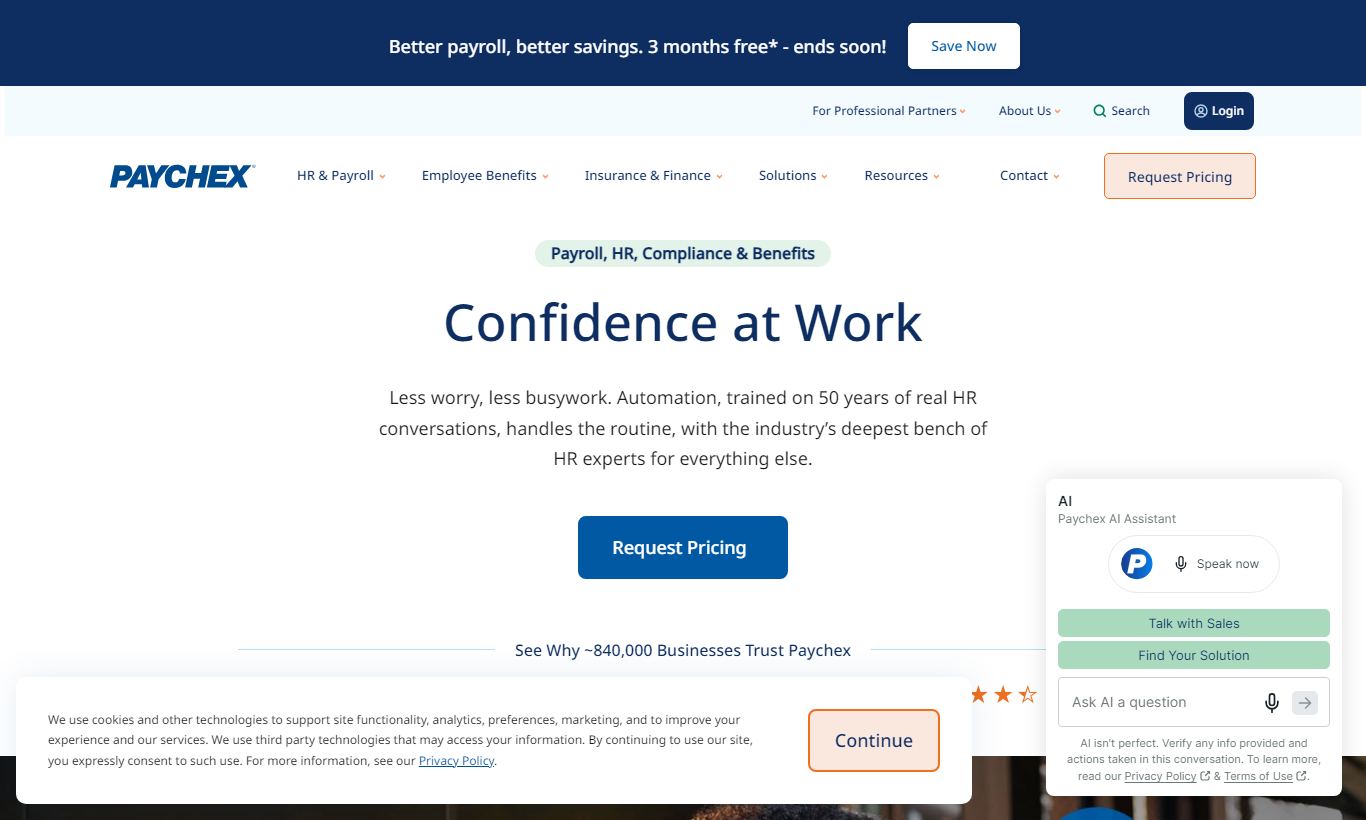
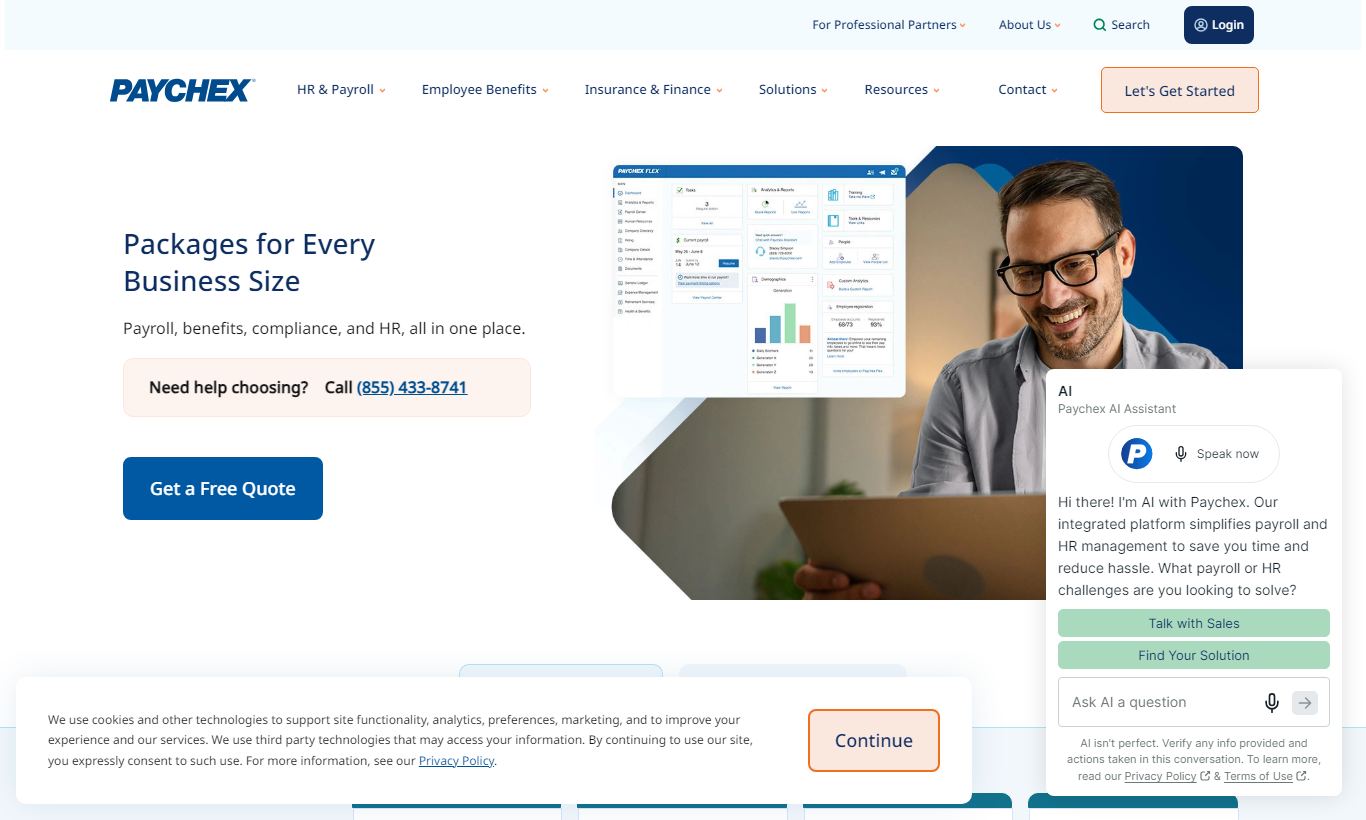
Paychex Flex is a cloud-based HR and payroll platform built mainly for small to mid-sized businesses that want payroll processing, benefits administration, time tracking, and HR compliance in one place. Paychex was founded in 1971 and is one of the most established names in the industry. Paychex Flex earns strong marks for its range of features, dedicated payroll specialist support, and pricing tiers that scale with company size. It costs more than newer SaaS competitors, though, and some users say the interface feels dated next to modern alternatives. It works best for businesses with 10 to 500 employees that value compliance support and hands-on service over the lowest possible price. A free demo is available, but you'll need to contact sales for actual pricing.
What we love
Watch out for
Paychex Flex at a glance
What to test in your Paychex Flex trial
Free demo
- Test multi-state payroll tax filing with your real pay schedule and employee data
- Run a complete payroll cycle and verify time tracking data feeds directly without manual entry
- Walk through new hire onboarding with I-9 and W-4 forms to confirm paperwork is ready before day one
- Review the benefits admin and reporting interfaces to decide if the older UI works for your needs
- Request a quote from sales for your employee count and needed add-ons to see total real cost
- Confirm you'll move forward with Paychex Flex or try other vendors before the demo access expires
Quick Verdict
Paychex Flex is one of the widest-ranging HR and payroll platforms available for small to mid-sized businesses, and it earns that reputation the hard way. Decades of compliance expertise, a genuinely wide feature set, and a support model that puts a real payroll specialist in your corner back it up. If your business has outgrown what a spreadsheet or basic payroll tool can handle, and you need benefits administration, compliance monitoring, and time tracking living in one place, Paychex Flex is a serious contender.
It's not the right fit for everyone, though. The pricing is custom-quoted and can climb fast once you layer on add-ons, and some parts of the interface show their age. Businesses that are highly cost-sensitive, or that want a sleek, modern UX, may find better value elsewhere. But for companies that value depth over flash and want a payroll partner rather than just software, Paychex Flex delivers.
Start Your Free Trial →What is Paychex Flex?
Paychex was founded in 1971 in Rochester, New York, with a mission to simplify payroll for small business owners. Over five decades, it has grown into one of the largest HR services companies in North America, serving over 730,000 businesses. Paychex Flex is its flagship cloud platform, a modular HR suite that spans payroll, hiring, onboarding, benefits, time and attendance, and HR analytics. It's built to scale from solo-employee startups all the way to mid-market companies with several hundred staff. Because of its tiered structure, you only pay for the modules you actually use.
The platform has a strong reputation in industries with complex compliance requirements. Healthcare, construction, retail, and professional services firms all appear prominently in Paychex's customer base. Unlike purely software-driven competitors, Paychex Flex bundles access to dedicated payroll specialists and HR advisors into its higher tiers. That's a big deal for business owners who don't have HR expertise on staff.
Key Features
Feature Checklist
Payroll Processing
Payroll is the beating heart of Paychex Flex, and it shows. The platform supports unlimited payroll runs, multiple pay schedules (weekly, bi-weekly, semi-monthly, monthly), direct deposit, and pay card options. Tax filing is fully automated. Paychex calculates, files, and pays federal, state, and local payroll taxes on your behalf, and backs this up with a tax accuracy guarantee. For businesses operating across multiple states, this is genuinely valuable. Multi-state payroll is handled natively, with no workarounds needed. Garnishments, deductions, and reimbursements are managed within the same workflow, and the system flags anomalies before you run payroll, so errors get caught upstream instead of corrected after the fact.
HR Administration and Compliance
Paychex Flex includes a centralized employee records system where HR teams can store job history, compensation changes, performance notes, and document uploads. What sets it apart from lighter HR tools is its compliance infrastructure. The platform monitors federal and state regulation changes and surfaces alerts when your policies or filings may be affected. The HR Library provides ready-to-use job description templates, handbook builder tools, and a state-by-state compliance database. Higher-tier plans include access to live HR advisors who can walk you through terminations, ADA accommodations, or FMLA leave. Smaller businesses with no in-house HR staff consistently point to this as a major reason to buy.
Benefits Administration
Paychex Flex handles open enrollment, qualifying life events, ACA compliance reporting (1094/1095 filing), and COBRA administration. Employees can select and manage their own benefits through the self-service portal or the mobile app, which takes real weight off HR teams during enrollment windows. The platform integrates with major insurance carriers, and deductions sync to payroll automatically, cutting out the manual reconciliation step that trips up so many small HR teams. Retirement plan administration (401k) is also available as an add-on, through Paychex's own retirement services or third-party plan integration.
Time and Attendance
The time tracking module supports clock-in via web browser, mobile app, or Paychex's physical time clocks (purchased separately). Geofencing and GPS tracking are available for field-based or remote teams, and managers can approve timesheets, manage PTO requests, and view scheduling in one place. Time data flows directly into payroll, and that's the real payoff. Hours worked, overtime calculations, and PTO balances are all pre-populated when you run payroll, which cuts down on manual data entry and the errors that come with it.
Recruiting and Onboarding
Paychex Flex includes an applicant tracking system (ATS) that lets you post jobs to major boards (Indeed, LinkedIn, ZipRecruiter), manage candidate pipelines, and send offer letters, all without leaving the platform. Once a candidate accepts an offer, digital onboarding kicks in automatically. New hires complete I-9 and W-4 paperwork electronically, upload required documents, and review company policies before their first day. This clears out the first-day paperwork pile, and it means new employee records are fully populated in the HR system from day one, not days later.
Reporting and Analytics
Paychex Flex ships with over 160 standard reports covering payroll, workforce demographics, turnover, benefits costs, and labor distribution. Custom report builder functionality is available on higher tiers. The reporting suite covers a lot of ground, but it isn't the most visually sophisticated on the market. Data export to Excel or PDF works well, but live dashboard customization lags behind dedicated analytics tools. For most mid-sized businesses, the out-of-the-box reports will cover 90% of what they need.
Pricing
Paychex Flex uses a custom-quote pricing model, so you'll need to contact their sales team for an exact number. Based on publicly available information and third-party research, though, the following approximate structure applies. There's no free plan, but a free demo is available. Most contracts run month-to-month, with an optional annual discount.
Paychex Flex Essentials starts at approximately $39/month base + $5 per employee/month. This covers core payroll processing, direct deposit, tax filing, employee self-service, and the mobile app. It's built for very small businesses that need payroll done right without a lot of extras.
Paychex Flex Select is estimated at $50 - $60/month base + $5 - $8 per employee/month and adds dedicated payroll specialist support, time and attendance integration, and access to the HR analytics dashboard. This is the tier where Paychex starts to pull away from budget competitors.
Paychex Flex Pro is estimated at $149+/month base + $5 - $14 per employee/month and opens up the full platform: recruiting and onboarding, benefits administration, HR advisor access, learning management, and advanced reporting. For businesses with 50+ employees that need a genuine all-in-one system, this tier is worth evaluating.
Add-ons such as physical time clocks, 401k administration, workers' compensation, and Paychex's HR PEO service each carry additional costs. The modular approach gives you flexibility, but it can make total cost hard to predict without a detailed sales conversation.
What We Love
- Dedicated payroll specialist access (Select and Pro tiers): A named specialist who knows your account handles questions and errors. That's far more useful than a generic support queue when payroll day hits a snag.
- Automated multi-state tax filing with accuracy guarantee: Paychex calculates, files, and remits payroll taxes across all applicable jurisdictions and stands behind the numbers. That matters for businesses with remote or distributed teams.
- Fully integrated time-to-payroll workflow: Time and attendance data syncs directly to payroll runs, cutting out manual hour entry and reducing the most common source of payroll errors.
- ACA compliance filing included in payroll tiers: 1094/1095 forms are generated and filed automatically, sparing mid-sized employers one of the most error-prone annual HR obligations.
- Onboarding automation with electronic I-9 and W-4: New hires complete all paperwork digitally before day one, and their records show up immediately in the HR and payroll system, with no manual re-entry.
Watch Out For
- Custom pricing makes budgeting difficult upfront: There's no published pricing, so you can't benchmark costs without booking a sales call. That's a real problem if you're comparing multiple vendors on a deadline.
- Interface feels dated in places: Several modules, particularly the legacy reporting and benefits administration screens, haven't gotten the same UX refresh as the payroll core. They can feel clunky next to modern HR platforms like Rippling or Gusto.
- Add-on costs stack up fast: Core payroll is reasonably priced. But physical time clocks, 401k administration, background checks, and learning management are all separate line items, and they can push your total monthly spend well past initial estimates.
- Implementation timelines can be slow: Multiple user reviews on G2 and Capterra say onboarding and configuration took longer than expected, especially for companies migrating from another payroll provider mid-year. That kind of delay is genuinely disruptive.
Who Is It Best For?
The growing small business owner (10 - 50 employees): A retail chain owner managing 25 hourly employees across two locations would get real value from Paychex Flex's integrated time tracking, automatic overtime calculations, and dedicated specialist support. They likely don't have an HR manager on staff, so having a payroll specialist on call and a compliance alert system watching for regulation changes justifies the premium over budget tools.
The mid-market HR manager (50 - 250 employees): An HR director at a regional healthcare company with 150 employees needs benefits administration, ACA filing, onboarding workflows, and payroll to talk to each other natively. Paychex Flex Pro delivers this without a patchwork of integrations. The HR advisor access matters even more in regulated industries, where termination procedures and leave policies carry real legal risk.
The multi-state employer: A professional services firm with employees in eight states and varying local tax obligations is exactly the scenario where Paychex's 50+ years of compliance expertise pays off. Managing multi-state payroll tax manually, or with a tool that doesn't specialize in it, is an audit waiting to happen. Paychex's tax accuracy guarantee and automatic jurisdiction updates make it a strong choice here.
How Does It Compare?
Gusto: Gusto is Paychex Flex's most direct competitor for small businesses under 100 employees. Gusto wins on interface design, transparent flat-rate pricing, and easy setup. It doesn't match Paychex's dedicated specialist model or the depth of its compliance support. A tech-savvy 10-person startup will probably prefer Gusto. A 75-person manufacturing firm juggling multi-state compliance and benefits admin will lean toward Paychex. See our full Paychex Flex vs Gusto comparison for a detailed breakdown.
ADP Workforce Now: ADP is Paychex's closest peer in market position and service model. ADP Workforce Now offers slightly more sophisticated analytics and is generally the stronger choice for companies above 500 employees moving toward enterprise HR. In the 50-300 employee range, the two platforms run neck and neck. Pricing, local sales support, and which system your accountant prefers often decide it. Read our Paychex Flex vs ADP Workforce Now comparison for specifics.
Final Verdict
Paychex Flex is not the cheapest HR and payroll platform on the market, and it's not trying to be. What it offers instead is depth, reliability, and a service model built around a simple reality: most small and mid-sized business owners aren't HR professionals. They need a system that handles compliance complexity on their behalf. The automated multi-state tax filing, ACA management, and dedicated payroll specialist support are genuine differentiators that hold up in real-world use.
Buy it if: you have 10 - 300 employees, operate across multiple states or in a regulated industry, value compliance support over a flashy interface, and want a long-term HR partner rather than a self-service tool. Look elsewhere if: you're a small startup under 15 people on a tight budget, you prioritize a modern interface, or you need highly customized workflows that the modular pricing structure won't accommodate affordably.
Try Paychex Flex Free →FAQ
How much does Paychex Flex cost per month?
Paychex Flex uses custom pricing, but the Essentials tier starts at approximately $39/month plus $5 per employee/month. The Pro tier starts closer to $149/month plus $5 to $14 per employee/month. Exact pricing depends on employee count, selected modules, and contract length.
Does Paychex Flex have a free trial?
Paychex Flex doesn't offer a traditional free trial. It does provide a free product demo where a specialist walks you through the platform with your specific use case in mind. Some promotions have included free setup or discounted first months. It's worth asking the sales team directly.
Is Paychex Flex good for small businesses?
Yes, particularly for small businesses with 10 to 50 employees that need reliable payroll, tax filing, and compliance support without a full-time HR hire. The Essentials tier is accessible, and the dedicated specialist model is especially useful for owners who find payroll compliance overwhelming.
How does Paychex Flex compare to Gusto?
Gusto is better for very small businesses that want transparent pricing, a modern interface, and easy self-service setup. Paychex Flex is stronger for companies needing multi-state compliance, benefits administration, and hands-on specialist support. Gusto is generally cheaper at under 20 employees. Paychex becomes more competitive at 30+ employees with complex needs.
Does Paychex Flex handle multi-state payroll?
Yes. Paychex Flex supports multi-state payroll natively, including automatic calculation, filing, and remittance of federal, state, and local payroll taxes across all applicable jurisdictions. This is one of its strongest features, and it comes backed by a tax accuracy guarantee.
Is Paychex Flex worth it in 2026?
For businesses with 10 to 300 employees that value compliance depth and specialist support, yes, Paychex Flex is worth the premium. If you're a small startup on a budget or want a sleek modern interface, alternatives like Gusto or Rippling may offer better value at your stage.
Does Paychex Flex include HR features beyond payroll?
Yes. Paychex Flex includes employee records management, onboarding automation, benefits administration, ACA compliance filing, recruiting and applicant tracking, time and attendance, and HR advisory services on higher tiers. That range of features makes it a genuine all-in-one HR platform, not just a payroll tool.
We may earn a commission when you click affiliate links. This never affects our editorial scores.
| Best for | — |
| Category | HR Software |
Answer a few quick questions and we'll match you to the best tool for your needs.
→ Suggest a Tool