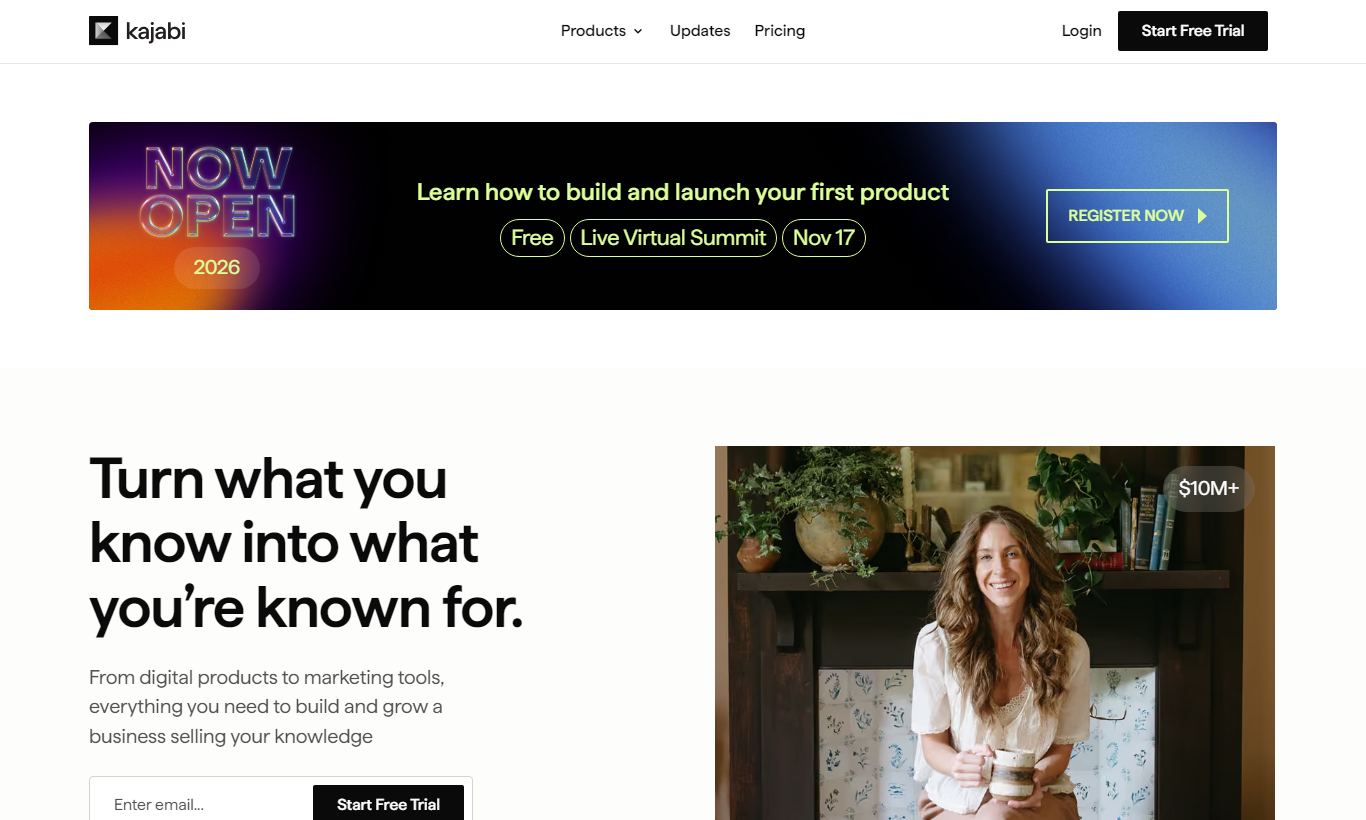
Kajabi is an all-in-one platform for creators, coaches, and educators who want to sell online courses, memberships, coaching programs, and digital products without stitching together multiple tools. Starting at $89/month (billed annually), it bundles a website builder, email marketing, sales funnels, payments, and community features under one roof. The platform works best for knowledge entrepreneurs generating, or aiming to generate, at least $500 to $1,000 a month in digital product revenue. That's the point where the cost starts to pay for itself. It's not the cheapest option, and it lacks the e-commerce flexibility of platforms like Shopify for physical goods. But for course creators and coaches who want a polished, conversion-ready storefront without hiring a developer, Kajabi delivers. Our overall rating: 4.4 out of 5.
What we love
Watch out for
Kajabi at a glance
What to test in your Kajabi trial
30-day free trial
- Build and publish a full course with video lessons, quizzes, and downloadable files
- Create a sales funnel using the Pipeline builder to automate welcome emails after a purchase
- Set up one product with a payment plan offer to test if payment flexibility converts
- Track per-lesson video completion rates and student drop-off points in analytics
- Create multiple landing pages and manually run an A/B test since native testing isn't available
- Decide before the 30 days end whether the $149/month Basic plan ROI fits your revenue goals
Quick Verdict
Kajabi has earned its reputation as the go-to platform for serious online course creators and digital product sellers. If you're a coach, consultant, or educator who needs one platform to host your content, market it, and collect payments, without juggling a patchwork of third-party tools, Kajabi is likely the most complete solution available in 2026. The onboarding experience is genuinely impressive. Most users launch a functional course or membership site within a week, even without any technical experience.
Kajabi's pricing starts at $89/month (billed annually) and climbs fast, which is a real barrier for creators just starting out. It also lacks inventory management, variable product support, and other features physical-goods sellers need. For pure knowledge businesses though, the return on investment is hard to argue with. Kajabi claims its top creators have collectively earned over $6 billion through the platform, and the depth of its marketing and analytics tools backs that number up.
Start Your Free Trial →What is Kajabi?
Kenny Rueter and Travis Rosser founded Kajabi in 2010 on a simple idea: knowledge entrepreneurs shouldn't need to be software engineers to run a digital business. The company is headquartered in Irvine, California, and has grown to serve over 50,000 active creators across 120+ countries. Unlike a WordPress plus LearnDash setup or a Shopify and Thinkific combo, Kajabi is a closed, fully managed SaaS platform. You give up some flexibility, but you get a much smoother day-to-day experience running the business.
Its target market is specific: coaches, course creators, membership site owners, and consultants who sell intellectual property rather than physical goods. The platform sits in the premium tier of this niche, competing with Teachable, Thinkific, and Podia. It sets itself apart with built-in marketing automation, native community features, and support for a wide range of product types, from one-off courses to recurring membership communities to live cohort programs.
Key Features
Feature Checklist
Online Course & Product Builder
Kajabi's course builder is the heart of the platform and one of its strongest assets. You can build structured courses with sections, lessons, video content, quizzes, and downloadable files using a clean drag-and-drop interface. Video is hosted natively through Wistia-powered infrastructure, so you don't need a separate Vimeo or YouTube account. Each product, whether a course, a coaching program, a podcast, or a community, gets its own customisable landing page built from professionally designed templates. For a creator launching a $497 signature course, Kajabi handles everything from opt-in to final lesson completion without leaving the platform.
Email Marketing & Automation
Kajabi includes a full email marketing suite that most mid-tier e-commerce businesses would pay $100 to $200 a month for separately. You can send one-off broadcasts, build drip sequences, and create visual automation pipelines (called "Pipelines") that trigger actions based on purchases, form submissions, or course completions. A health coach, for example, could build an automation that enrols a buyer in their 12-week program, sends a welcome email sequence, and adds them to a community, all triggered by a single payment event. The visual pipeline builder is genuinely intuitive, though it lacks the conditional logic depth of a dedicated tool like ActiveCampaign.
Website & Landing Page Builder
Every Kajabi account includes a full website builder with a custom domain. You can build a multi-page site (home, about, blog, sales pages) using Kajabi's theme system. The default themes, Gradient, Premier, Hana, and others, are polished and mobile-responsive out of the box. Landing pages use a section-based editor similar to Squarespace, and conversion-focused elements like countdown timers, testimonial blocks, and video embeds are available in all tiers. The website builder won't replace a custom development project for enterprise brands, but for a solo creator or small team, it produces a professional result without a designer.
Payments, Checkout & Pricing Flexibility
Kajabi processes payments via Stripe and PayPal, and supports one-time payments, payment plans, free trials, and recurring subscriptions natively. You can offer a $997 course as a flat fee, a 3 x $367 payment plan, or a $97/month subscription, all from the same product configuration screen. Kajabi charges zero transaction fees on any plan, which is a real advantage over Teachable's Starter plan (which takes 10% of every sale). Checkout pages are customisable and support order bumps and upsells, though the upsell flow is simpler than what dedicated cart tools like ThriveCart offer.
Community & Membership Features
Kajabi Communities, the platform's built-in social feature, lets creators host discussion feeds, direct messaging, live streams, and member challenges inside a branded space. This is a direct competitor to Circle.so or Mighty Networks. It doesn't match the depth of those dedicated community platforms, but it's more than functional for most membership operators. Members access everything, course content, community posts, live streams, through a unified Kajabi portal, which cuts down the friction of juggling Slack, a separate course platform, and a Zoom link.
Analytics & Reporting
Kajabi's analytics dashboard covers revenue, subscriptions, opt-in rates, email open rates, video engagement, and student progress. The "Revenue" view breaks down gross and net income, churn, and active subscriptions, genuinely useful for a membership business trying to track monthly recurring revenue. Video analytics show per-lesson completion rates, which helps creators identify where students drop off. One notable gap: there's no built-in A/B testing for landing pages, so data-driven marketers have to rely on external tools or gut instinct for conversion optimisation.
Pricing
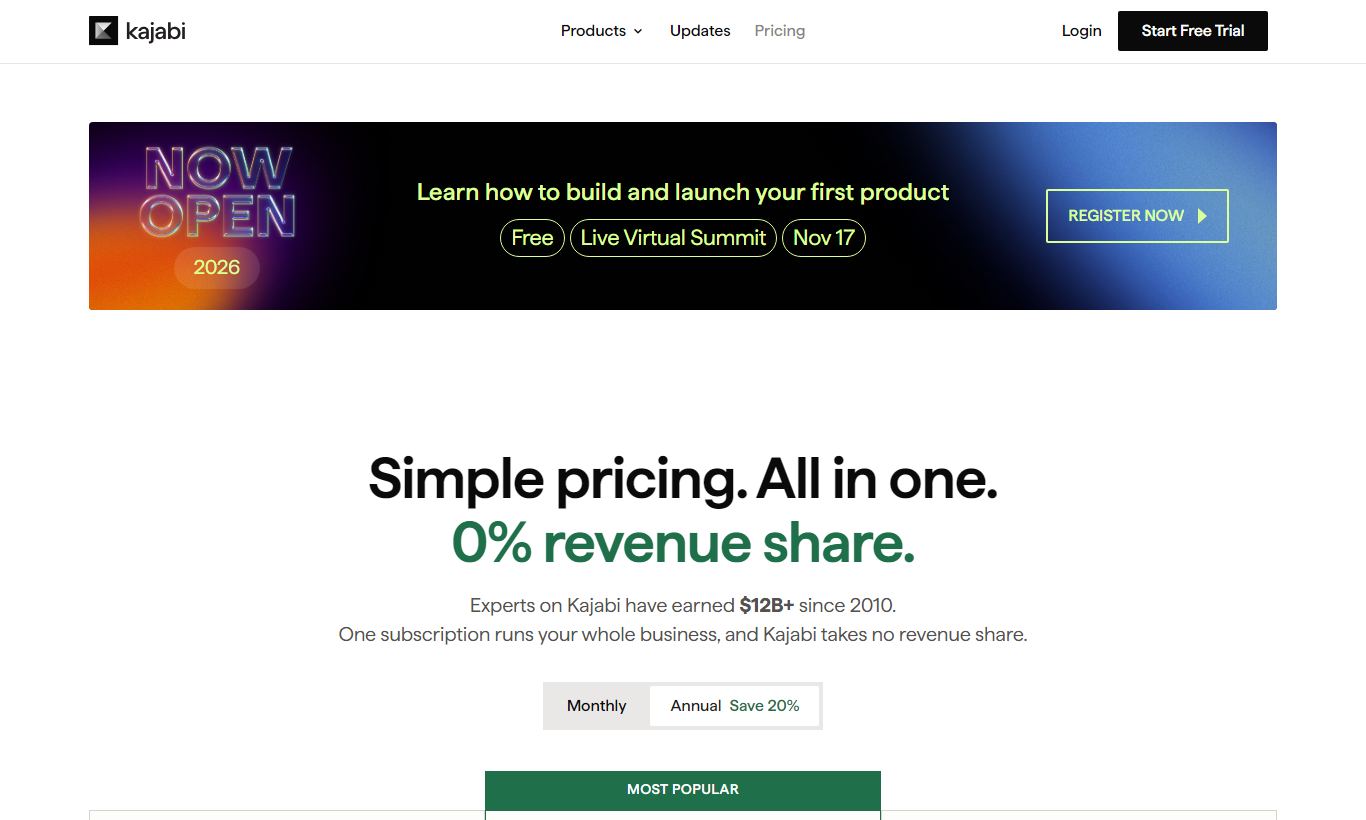
Kajabi offers four pricing tiers. The prices below reflect annual billing. Monthly billing costs about 20% more.
- Kickstarter, $89/month annual ($119/month monthly): 1 product, 1 funnel, 250 contacts, 50 landing pages, and no community access. Good for creators testing their first course.
- Basic, $149/month annual ($199/month monthly): 3 products, 3 funnels, 10,000 contacts, unlimited landing pages, and community access. This is the most popular entry point for active creators.
- Growth, $199/month annual ($259/month monthly): 15 products, 15 funnels, 25,000 contacts, advanced automations, affiliate program management, and 24/7 chat support. Best for creators scaling past $5K/month.
- Pro, $399/month annual ($519/month monthly): 100 products, 100 funnels, 100,000 contacts, 3 team member seats, a custom code editor, and white-label capabilities. Built for established creator businesses or small agencies.
Kajabi gives every plan a 30-day free trial, and you don't need a credit card to start one. No tier charges transaction fees, which sets it apart from cheaper competitors at the entry level. Paying annually saves you roughly 25 to 30% compared to paying monthly, across every tier.
What We Love
- Zero transaction fees on all plans. Unlike Teachable and Podia's lower tiers, Kajabi keeps 0% of your revenue regardless of which plan you're on.
- Native video hosting with engagement analytics. Per-lesson completion rates and drop-off data are built in, saving the cost and hassle of a separate Wistia or Vimeo subscription.
- All-in-one stack cuts down on tool sprawl. Replacing email marketing (e.g. ConvertKit ~$79/month), course hosting (Teachable ~$99/month), and community (Circle ~$99/month) with a single Kajabi subscription is a real cost saving for active creators.
- Visual Pipeline builder for automated sales funnels. Pre-built funnel templates (Product Launch, Freebie, Webinar) let a non-technical creator set up a full opt-in-to-purchase automation in under an hour.
- 30-day free trial with no credit card required. That's long enough for a creator to build, launch, and test a product before paying anything.
Watch Out For
- Pricing is steep for beginners. The Kickstarter plan's 250-contact limit and single-product cap mean most creators will quickly need the $149/month Basic plan. That makes Kajabi genuinely expensive for pre-revenue creators compared to Teachable Free or Podia's entry tier.
- No A/B testing on landing pages. This is a limitation people bring up again and again. Data-driven marketers will need to run experiments manually or use a third-party tool like Google Optimize, which adds friction to conversion rate optimisation.
- Not built for physical products. Kajabi has no inventory management, no variable product options (size, colour, and so on), and no shipping integrations. Sellers who mix digital and physical goods will hit hard limits fast.
- Email deliverability lags behind dedicated ESPs. Several community reports note lower inbox rates compared to ConvertKit or ActiveCampaign, particularly for large lists. Creators with 20,000+ subscribers may still need to keep a dedicated ESP running alongside Kajabi.
Who Is It Best For?
The established course creator scaling to multiple products: A business coach who already sells a $997 signature course and wants to add a $49/month membership community, a $197 mini-course, and an automated evergreen funnel, all without hiring a developer or paying for four separate tools. At this stage, Kajabi's Growth plan at $199/month almost certainly saves money compared to the equivalent tech stack.
The service-to-product transition professional: A freelance nutritionist, therapist, or consultant who bills hourly and wants to package their expertise into a scalable digital program. Kajabi handles everything in one place, so they can go from idea to paying customers without technical roadblocks. The website, checkout, email sequence, and content portal all get configured under one roof.
The membership community operator: A creator running a paid community, whether for fitness accountability, professional development, or creative learning, who needs course content, a social feed, live events, and billing all working together. Kajabi Communities cuts out the need for Circle, Slack, or Mighty Networks once you pair it with Kajabi's own course and billing setup.
How Does It Compare?
Kajabi vs. Teachable: Teachable's free plan is a real option for new creators. But its 10% transaction fee on the Starter plan and missing built-in email marketing mean Kajabi often costs about the same once a creator passes $2,000/month in revenue. See our full Kajabi vs Teachable breakdown for a side-by-side tier comparison.
Kajabi vs. Thinkific: Thinkific offers a free plan and a slightly lower price ceiling, and its course builder holds up well against Kajabi's. Thinkific has no native email marketing automation, though, and its community feature is weaker, so most Thinkific users end up paying for ConvertKit or Mailchimp on top. See Kajabi vs Thinkific for a detailed feature comparison.
Final Verdict
Kajabi isn't right for every digital seller. If you're pre-revenue, just testing an idea, or mostly selling physical goods, there are cheaper and better-suited platforms out there. But for the knowledge entrepreneur serious about building a sustainable digital business, someone who values simplicity, polish, and having tools under one roof over squeezing out every last dollar, Kajabi is the most complete package on the market in 2026.
The 30-day free trial gives you enough time to build your first product, set up a funnel, and see whether the platform fits your workflow before you spend a dollar. At $149/month on the Basic plan, you're replacing tools that would otherwise cost you $200 to $400/month combined, while getting one integrated view of your business instead. For active creators, that trade-off makes sense. If you're a beginner on a tight budget, start with the trial and set yourself a revenue milestone before you commit.
Try Kajabi Free →FAQ
How much does Kajabi cost per month?
Kajabi pricing starts at $89/month on the Kickstarter plan (billed annually) or $119/month on monthly billing. The most popular Basic plan is $149/month (annual) or $199/month (monthly). Growth is $199/month (annual) and Pro is $399/month (annual).
Does Kajabi offer a free plan?
Kajabi doesn't have a permanent free plan. It does offer a 30-day free trial on all plans with no credit card required, which is enough time to build and launch a product.
Does Kajabi take a percentage of sales?
No. Kajabi charges zero transaction fees on all plans. You pay only your subscription fee plus standard Stripe or PayPal processing fees (typically 2.9% + $0.30 per transaction).
Is Kajabi good for beginners?
Kajabi is easy enough to use for beginners. Most creators launch their first product within a week. The pricing is another story, and it's steep for anyone with no revenue yet. Beginners on a tight budget may find Teachable's free plan or Thinkific's free plan a better starting point, then upgrade to Kajabi once revenue justifies the cost.
Kajabi vs Teachable: which is better?
Kajabi is better for creators who want built-in email marketing, sales funnels, and community features in one tool. Teachable is better for beginners who want a low-cost or free starting point. Once revenue exceeds $2,000/month, Kajabi's all-in-one setup is typically more cost-effective than running Teachable alongside separate marketing tools.
Can you sell physical products on Kajabi?
No. Kajabi is built exclusively for digital products: courses, memberships, coaching programs, and podcasts. It has no inventory management, shipping integrations, or variable product options. Sellers of physical goods should use Shopify or WooCommerce instead.
Is Kajabi worth it for a new creator?
For a new creator with no existing audience or revenue, the $89 to $149/month cost is a real commitment. Kajabi is worth it if you have a validated product idea and you're ready to invest in growth. If you're still figuring things out, use the 30-day trial to test it, and compare the cost against building the same stack with free tools before you commit.
Does Kajabi include web hosting?
Yes. Kajabi includes fully managed web hosting, SSL certificates, and CDN delivery for all content, including video. You can connect a custom domain on any paid plan.

We may earn a commission when you click affiliate links. This never affects our editorial scores.
| Best for | Online course platform |
| Category | eCommerce |
Answer a few quick questions and we'll match you to the best tool for your needs.
→ Suggest a Tool