
1Password Review 2026: Is It Worth It?
1Password is a top-tier password manager used by more than 100,000 businesses and millions of individuals. It stores passwords, passkeys, credit cards, secure notes, and sensitive documents in an encrypted vault that works across every major platform. Travel Mode, Watchtower breach monitoring, and its Secret Key architecture put it among the most security-focused tools you can buy. Individual plans start at $2.99/month, and Teams plans begin at $19.95/month for up to 10 users. The interface is clean, setup is quick, and the browser extension just works. The main drawbacks: there's no permanent free tier, and pricing climbs fast for larger organizations. If you actually care about credential security instead of just paying it lip service, 1Password is the one to buy.
What we love
Watch out for
1Password at a glance
What to test in your 1Password trial
14-day free trial
- Save your top 20 passwords and verify Watchtower flags any weak or reused ones
- Enable Travel Mode on a vault and confirm it disappears from all synced devices
- Share a credential via Psst! link, set expiry to 1 hour, and verify recipient sees read-only view
- Set up vaults for different purposes (personal, finance, work) and test cross-platform access on phone and computer
- Check that your passkeys work across all your devices without vendor lock-in to Apple or Google
- Decide if the 14-day trial gives you enough time to test all features before your first charge
Quick Verdict
1Password earns its reputation as the gold standard in password management. Whether you're a solo professional tired of reusing weak passwords, an IT admin trying to enforce credential hygiene across a 50-person team, or a family sharing Netflix logins securely, 1Password delivers an experience that feels genuinely thought-through at every step. Its dual-key encryption model combines your master password with a unique Secret Key. Even a breach of 1Password's own servers would yield nothing useful to attackers. That's a real architectural distinction, not marketing copy, and it separates 1Password from most competitors.
The platform isn't flawless. There's no free tier for individuals, only a 14-day free trial, and scaling the Business plan across a large enterprise gets expensive quickly. For the overwhelming majority of buyers reading this review, those caveats won't be dealbreakers. 1Password does what it promises, does it elegantly, and backs it up with a security model you can actually explain to a skeptical CFO.
Start Your Free Trial →What is 1Password?
1Password was founded in 2005 by AgileBits, a Canadian software company headquartered in Toronto. What started as a Mac-only password utility has grown into a cross-platform credential management platform used by over 100,000 businesses (including IBM, Shopify, and PagerDuty) and millions of individual subscribers worldwide. The product spans personal, family, team, and enterprise tiers, and that range is rare in this category. Few password managers scale from a single freelancer to a global enterprise without forcing a switch to a different platform somewhere along the way.
1Password sits firmly in the premium segment of the market. It doesn't try to beat free tools like Bitwarden's open-source community edition on price. Its pitch is polish, reliability, and security architecture. The company has also leaned hard into the passkey transition, positioning itself as a platform-agnostic passkey manager at a time when Apple, Google, and Microsoft are each pushing passwordless authentication inside their own walled gardens.
Key Features
Feature Checklist
Vault Organization & Credential Storage
1Password stores logins, credit cards, bank accounts, passkeys, software licences, secure notes, SSH keys, and custom item types in encrypted vaults. You can create multiple vaults: separate personal from work credentials, or spin up a shared "Finance" vault for a team, and control exactly who gets access to each one. Every item supports custom fields, tags, and built-in one-time password (TOTP) generation, so most accounts don't need a separate authenticator app. Your team's shared AWS credentials live in one vault, your personal banking sits in another, and the two never cross.
Watchtower: Breach & Security Monitoring
Watchtower is 1Password's built-in security dashboard, and it's one of the most useful features in the whole product. It checks your saved credentials against the Have I Been Pwned database, flags reused passwords, calls out weak ones, highlights accounts that support two-factor authentication but haven't turned it on, and flags expired credit cards. The HIBP check runs on k-anonymity, so your actual passwords never leave your device. For a security-conscious SMB, Watchtower alone works as a lightweight credential audit, surfacing risks that would otherwise take an IT admin hours to track down by hand.
Travel Mode
Travel Mode is a feature you hope you never need, but you'll be glad it's there if you do. Turn it on and it temporarily strips designated vaults off every device you own. Cross a border, hand your phone to a customs agent, or land somewhere with aggressive device search policies, and any vault you haven't marked "safe for travel" simply doesn't exist on that device. Turning them back on after you land takes seconds. No other mainstream password manager offers this, and it shows real thought about how threat models shift depending on where you are. For journalists, executives, and frequent international travelers, it's a genuine point of difference.
Business & Team Administration
The Teams and Business plans open up an admin console where IT managers can provision users, assign vault permissions at a granular level (view, fill, edit, manage), enforce security policies, set up guest accounts for contractors, and review usage activity reports. The Business plan adds 5GB of secure document storage per user, custom security groups, and integrations with Okta, Azure AD, and other identity providers via SCIM provisioning. Offboarding an employee takes under a minute. Revoke their 1Password access and their credentials for every shared service lock immediately. For growing companies where credential sprawl is a real risk, this workflow pays for itself fast.
Passkey Support & Browser Extension
1Password's browser extension (available for Chrome, Firefox, Safari, Edge, and Brave) handles autofill reliably, even on multi-page login flows that trip up lesser tools. More importantly, 1Password has built itself into a universal passkey manager, storing passkeys independently of any device or operating system. Apple Keychain locks your passkeys to Apple devices. Google Password Manager locks them to Android and Chrome. 1Password passkeys work on any device where 1Password is installed. For businesses running mixed device environments, say Windows laptops alongside MacBooks, this cross-platform passkey portability is a real practical advantage.
Secure Sharing & Psst! Links
The Psst! (Password Secure Sharing Tool) feature lets you share a credential securely with anyone, even someone with no 1Password account. You generate a shareable link with a configurable expiry, from one hour to 30 days, and can restrict it to specific email addresses. The recipient sees the credential in a read-only web view and can't copy it anywhere permanent. This beats the near-universal habit of emailing passwords in plain text by a mile, and it solves a real problem for teams that occasionally need to hand credentials to outside contractors or clients.
Pricing
1Password offers four main plan tiers. All paid plans include a 14-day free trial, and you won't need a credit card to start one. There's no permanent free plan.
- Individual - $2.99/month (billed annually at $35.88/year): Unlimited passwords, 1GB document storage, 365-day item history, Watchtower, Travel Mode, and 24/7 email support. A solid choice for personal use.
- Families - $4.99/month (billed annually at $59.88/year): Covers up to 5 family members, shared vaults, family organizer controls, and the ability to recover a family member's account. Additional members cost $1/month each. The best value plan for households.
- Teams Starter - $19.95/month (billed annually, flat fee): Up to 10 users, shared vaults, admin controls, and role-based permissions. Built for small teams that want simple credential management without per-seat pricing to worry about.
- Business - $7.99/user/month (billed annually): Unlimited users, 5GB storage per user, custom groups, advanced reporting, SCIM provisioning, SSO integrations (Okta, Azure AD, etc.), and priority support. The right plan for most growing businesses.
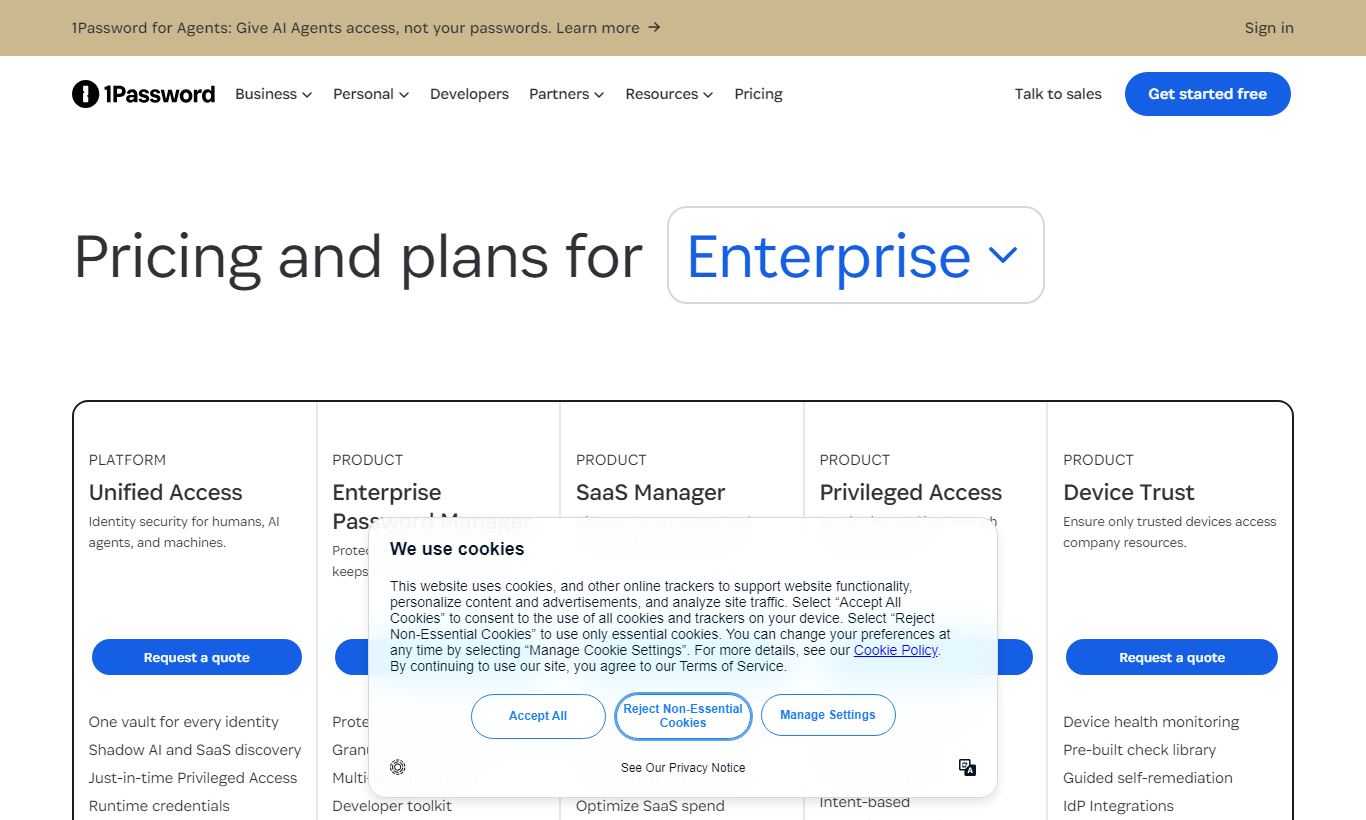
- Enterprise - Custom pricing: Adds a dedicated account manager, custom security controls, on-site training, and volume pricing. Contact 1Password sales directly for a quote.
Month-to-month billing runs roughly 20% higher than the annual rate. The Families plan is the standout deal here. Five users for under $5 a month is hard to beat, even against budget competitors.
What We Love
- Dual-key Secret Key architecture: Your master password plus a locally-generated Secret Key means stolen server data is useless without the device-bound key too. That's a stronger guarantee than most competitors offer.
- Travel Mode for real-world threat scenarios: You can instantly hide specific vaults from all devices before crossing a border or walking into a high-risk environment. It's a genuinely unique feature, and a practical one, that you won't find in Dashlane, LastPass, or Bitwarden.
- Watchtower proactively surfaces credential risks: Real-time breach monitoring, reused password detection, weak password alerts, and 2FA gap identification all sit in one dashboard. That saves IT admins real time on manual audits.
- Cross-platform passkey storage independent of OS ecosystem: Passkeys stored in 1Password work across Windows, macOS, iOS, Android, and Linux with no vendor lock-in. That matters for organizations running mixed device fleets.
- Psst! secure sharing links with configurable expiry: You can share credentials with contractors or clients through time-limited, read-only links. It kills off the most common bad habit in credential sharing, plaintext email, and does it with almost no added friction.
Watch Out For
- No permanent free tier: Bitwarden gives you a generous free plan with unlimited passwords. 1Password gives you 14 days, then asks for payment. For cost-sensitive individuals or nonprofits, that's a real barrier.
- Business plan cost climbs fast with headcount: At $7.99/user/month, a 100-person company pays $799/month, nearly $9,600 a year. At that scale, Keeper Business ($4.50/user/month) or Bitwarden Teams end up cheaper by a wide margin.
- No live chat on the Individual plan: Personal subscribers get email support and a community forum, and that's it. Response times are decent enough, but the lack of real-time help can sting during an urgent account recovery.
- No local or offline vault storage: KeePass and self-hosted Bitwarden let you keep data off someone else's servers. 1Password doesn't work that way. It requires a subscription and stores your encrypted data on its own servers, which can be a hard blocker for organizations with strict data residency rules or offline-only setups.
Who Is It Best For?
The security-conscious professional or remote worker: someone juggling 50 to 200 logins across work and personal life, switching between a MacBook, an iPhone, and a Windows work PC, who wants one credential manager that handles passkeys, TOTP codes, and secure notes instead of three separate apps. The Individual or Families plan handles this with almost no setup hassle.
The IT manager at a 10 to 150 person company: a head of IT or operations who needs to provision and deprovision employee access to shared credentials fast, enforce 2FA requirements, audit who has access to what, and connect with an existing identity provider like Okta or Azure AD. The Business plan's SCIM provisioning and granular vault permissions make this workflow quicker and far easier to audit than tracking credentials in a spreadsheet.
The frequent international traveler or journalist: someone who regularly crosses borders into jurisdictions where device searches happen often, or who works in environments where an adversary getting physical access to a device is a real risk. Travel Mode is built for exactly this situation. Nothing else on the market matches it at this level.
How Does It Compare?
Bitwarden: Bitwarden's open-source model and generous free tier make it the top pick for technically confident individuals and budget-constrained organizations. Its self-hosting option also appeals to teams with strict data residency requirements. Still, 1Password's UI is significantly more polished, its Travel Mode has no Bitwarden equivalent, and its customer support is more reliable. See our full 1Password vs Bitwarden comparison for a feature-by-feature breakdown.
LastPass: LastPass was once the category leader. It's suffered two significant security breaches (2022 being the most damaging), and that's driven widespread enterprise churn. Its free tier is now heavily restricted, and its security architecture has faced credible criticism following the breach disclosures. For buyers currently evaluating LastPass as a default option, 1Password's stronger track record and better encryption model make it a straightforward upgrade. Read our 1Password vs LastPass comparison for a detailed breakdown.
Final Verdict
1Password is the password manager we recommend most often, and with the most confidence. It's not the cheapest option, and it's not the most configurable. But it delivers on its core promise: keeping credentials secure, accessible, and organized across every device and context a modern professional actually uses. The Secret Key architecture, Watchtower monitoring, and Travel Mode all point to a product built by people who take threat modeling seriously, not one designed to check a feature box.
If you're an individual or family trying to kill off weak and reused passwords, start with the 14-day free trial of the Individual or Families plan. The Families plan especially is exceptional value. If you're an IT decision-maker weighing credential management at the team or company level, the Business plan's SCIM integration, granular vault permissions, and clean admin console justify the per-seat cost for teams up to roughly 150 users. Past that headcount, run a cost comparison against Keeper Business before you commit.
Who should look elsewhere? Open-source advocates with the technical chops to self-host will find Bitwarden more flexible and free. Organizations in regulated industries with strict offline or data residency requirements may run into architectural limits. And if budget is the deciding factor, Bitwarden's free tier is genuinely good. For everyone else, 1Password is the right call.
Try 1Password Free →FAQ
How much does 1Password cost in 2026?
1Password's Individual plan costs $2.99/month billed annually ($35.88/year). The Families plan is $4.99/month for up to 5 users. The Teams Starter plan is a flat $19.95/month for up to 10 users. The Business plan is $7.99/user/month billed annually. Enterprise pricing is custom. Every paid plan includes a 14-day free trial.
Does 1Password have a free plan?
No. 1Password doesn't offer a permanent free plan. You get a 14-day free trial across all tiers, no credit card required. If you need a free password manager, Bitwarden has a solid free tier with unlimited passwords.
Is 1Password safe to use?
Yes. 1Password uses AES-256 encryption, a zero-knowledge architecture, and a unique Secret Key system that means even 1Password's own servers can't decrypt your vault. Its security record is clean, too. It hasn't suffered a significant breach, which sets it apart from competitors like LastPass.
1Password vs Bitwarden: which is better?
1Password suits users who want polished UX, Travel Mode, and premium support. Bitwarden suits users who care most about cost (its free tier is strong), open-source transparency, or self-hosting. For business use, 1Password's admin console and SSO integrations are more mature. For budget-conscious teams, Bitwarden Teams at $3/user/month is a lot cheaper.
Is 1Password worth it for a small business?
For teams of 5 to 100 people, yes. The Teams Starter plan ($19.95/month flat for up to 10 users) is excellent value. The Business plan ($7.99/user/month) gets harder to justify above roughly 150 users compared to alternatives, but for most SMBs the admin controls, SCIM provisioning, and audit logs are worth the cost next to managing credentials in spreadsheets or shared email accounts.
What happens to my passwords if I cancel 1Password?
Before canceling, you can export your vault data as a CSV or 1PUX file, which other password managers can import. 1Password lays out clear export instructions in the account settings. Your data isn't held hostage. You own it, and you can move it wherever you like.
Does 1Password work on all devices?
Yes. 1Password has native apps for macOS, Windows, Linux, iOS, and Android, plus browser extensions for Chrome, Firefox, Safari, Edge, and Brave. A web-based vault is also accessible from any browser. Syncing across all your devices is included in every paid plan at no extra cost.
What is 1Password's Secret Key and why does it matter?
The Secret Key is a 34-character key generated locally on your device when you create your account. It's combined with your master password to encrypt your vault. It never leaves your device, and 1Password never stores it. That means a server-side breach would only turn up encrypted data that can't be unlocked without both the master password and the Secret Key. That's a stronger security guarantee than the single-factor encryption models some competitors still use.
We may earn a commission when you click affiliate links. This never affects our editorial scores.
| Best for | Password manager for teams |
| Category | Cybersecurity |
Answer a few quick questions and we'll match you to the best tool for your needs.
→ Suggest a Tool